Provide Filtered Internet as per NEP Guidlines
Free Trial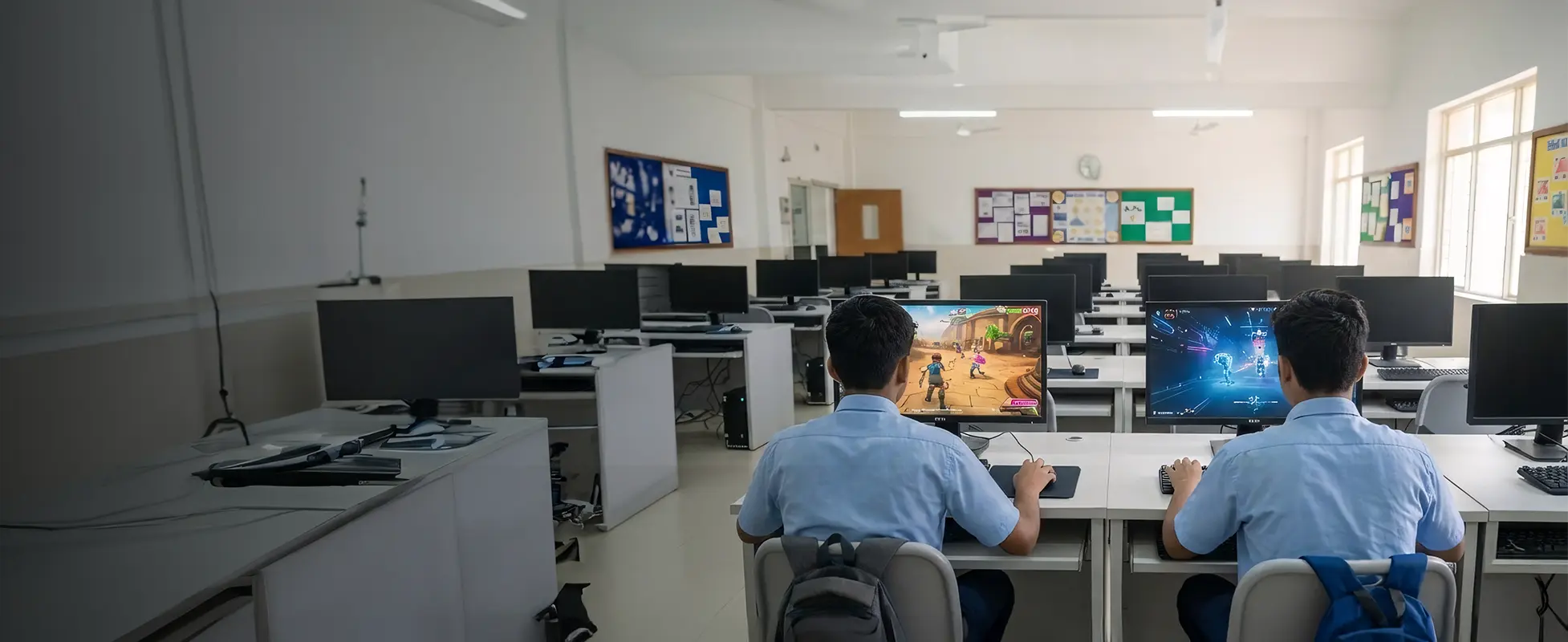
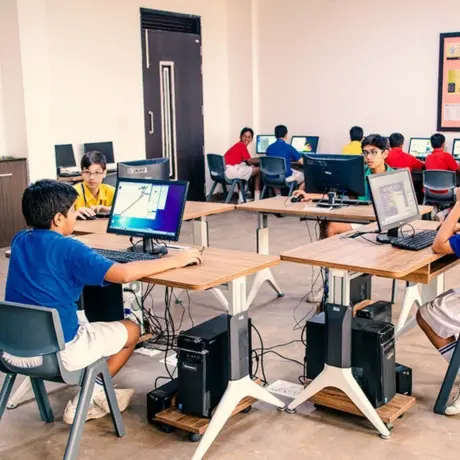
Labs Meant for Learning Not distractions
Pricing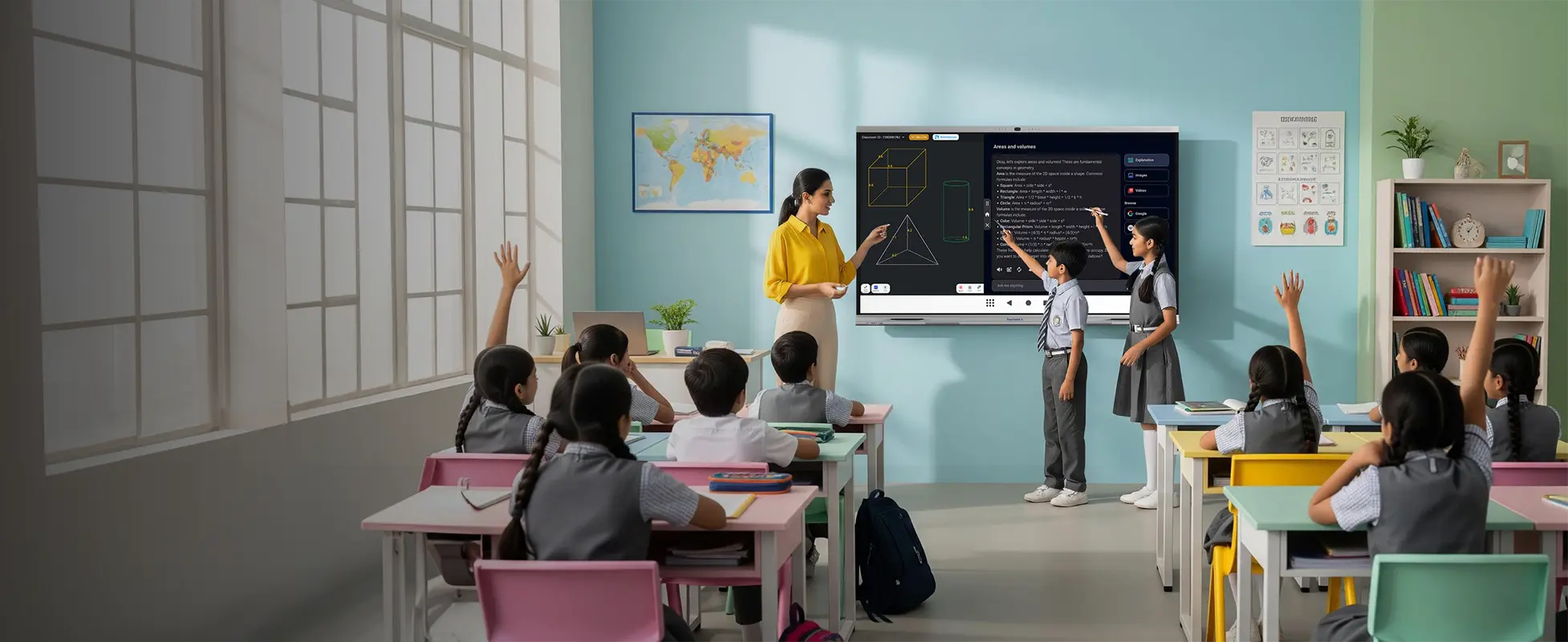
Safe Internet for Smart schools/Classrooms
FAQ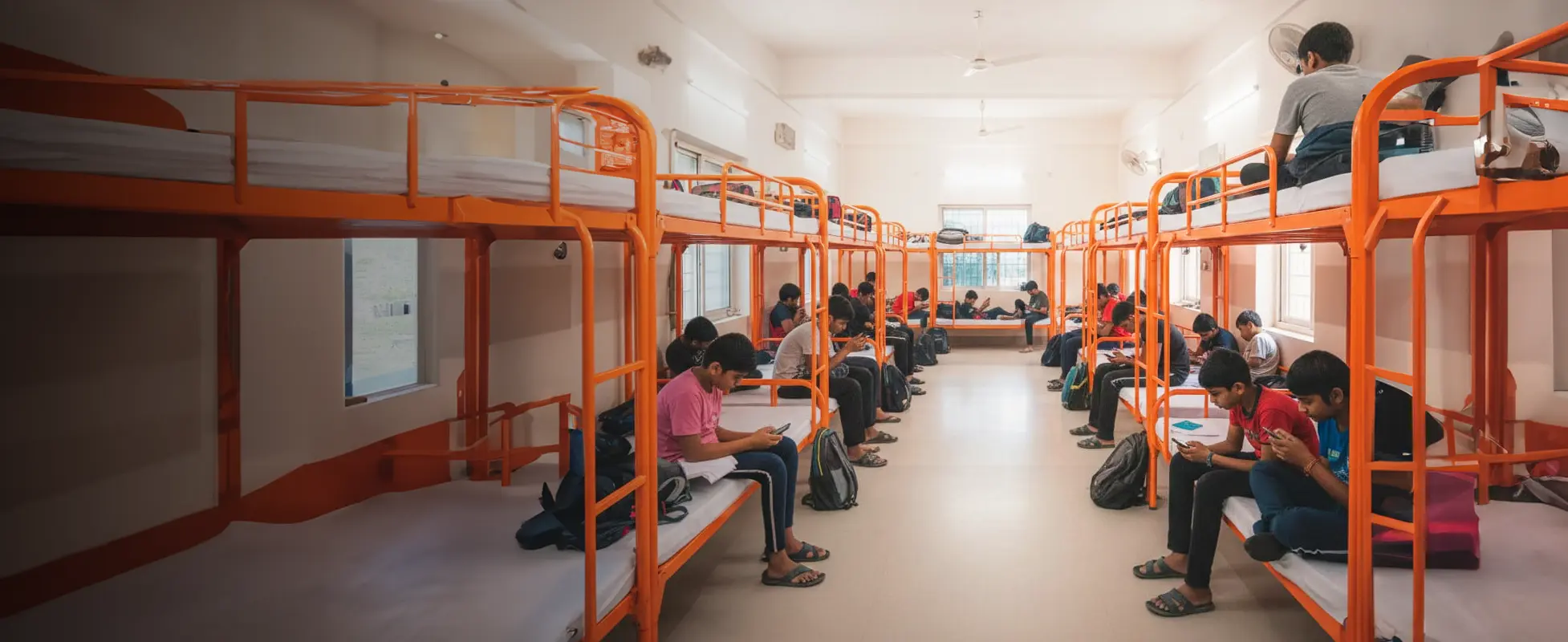
Hostel Internet, Safe even After Hours
Login
Policy-Controlled Internet for everyone
FiltersPROBLEM

Schools are becoming digitally connected faster than they are secure.
Students increasingly rely on the internet for learning and assessments, most campuses lack child-safe Internet filtering, creating serious digital risks & compliance gaps for institutions
- Easy access to Adult, Violent, Gaming, Social Media & Unsecured content
- Institutions face parent complaints, reputational risk, and compliance gaps
- Reduced classroom and computer Labs discipline and productivity
- Unsafe searches & AI interactions lead to non education content
- Misalignment with NEP 2020 and NCF guidelines for digital safety.
SOLUTIONS
Happinetz Campus makes school internet safe, focused, and compliant by default.
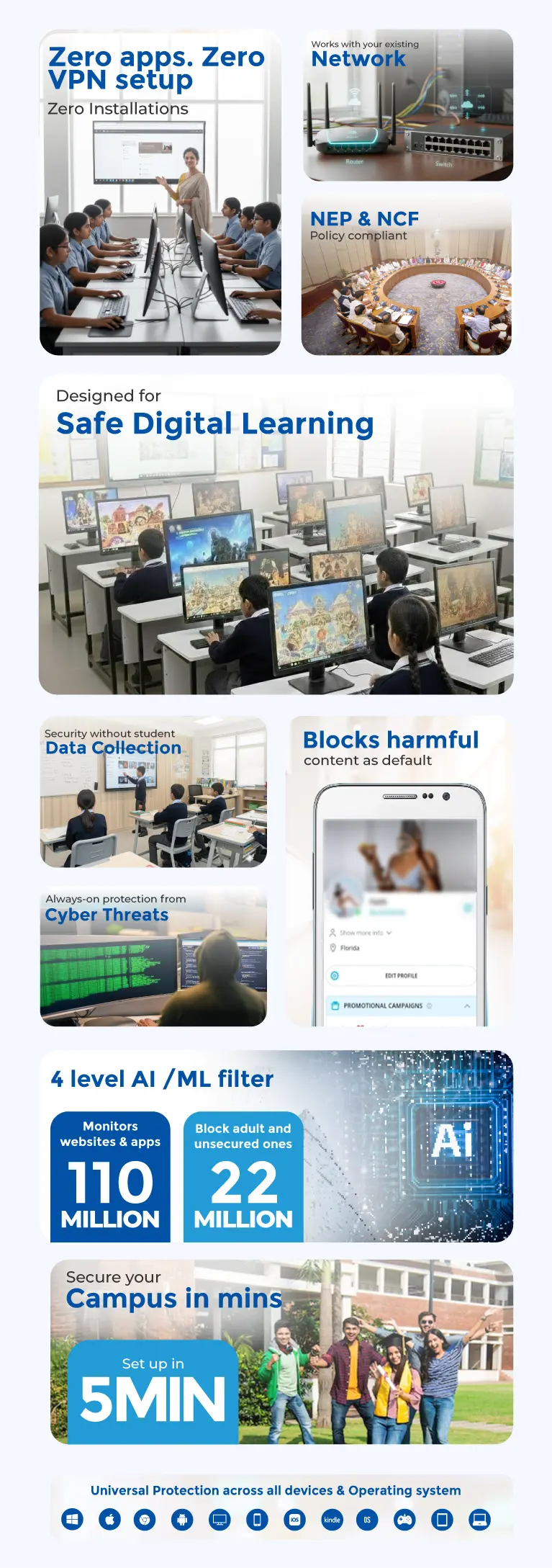
AI-powered, DNS-level filtering that protects every device no apps, VPNs, or manual setup required
NEP & NCF
How Happinetz Supports NEP & NCF Objectives
Compliance Checklist
- Safe & ethical internet use enforced in line with NEP 2020
- Age-appropriate access controls applied by default
- Mental health & student well-being protected online
- Distraction-free learning environment during school hours
- Policy-driven digital governance, not ad-hoc controls
- Uniform enforcement across the entire campus network
- Stronger parent and stakeholder trust
Risk of Non-Compliance
- Exposure to harmful or inappropriate online content
- Reactive crisis handling by teachers and administrators
- Misalignment with NEP / NCF digital safety expectations
- Parent complaints and reputational damage
- Weak defence during inspections or audits
- Legal and liability risk in cyber safety incidents
- Loss of parent trust and student confidence
Compliance ready with Happinetz Campus
- AI-powered content categorisation and DNS-level policy enforcement
- Category-based filtering aligned to student safety standards
- Blocking of self-harm, violent, addictive, and unsafe content
- Control of non-educational platforms during school hours
- Centralised school-wide safety policy dashboard
- Network level DNS filtering applied to all devices & networks
- Transparent, infrastructure-level safety controls
Set Up Happinetz in 3 Simple Steps
- Create your Happinetz campus account and register the school's router public IP address in the dashboard.
- Log in to your router or firewall admin panel and set the DNS IPs provided in the Happinetz dashboard.
- Select allow or block content categories based on school policy. Protection is enforced instantly across the campus.
Monitored
blocked
blocked

Features
-
![]()
AI-Powered website/App Filtering
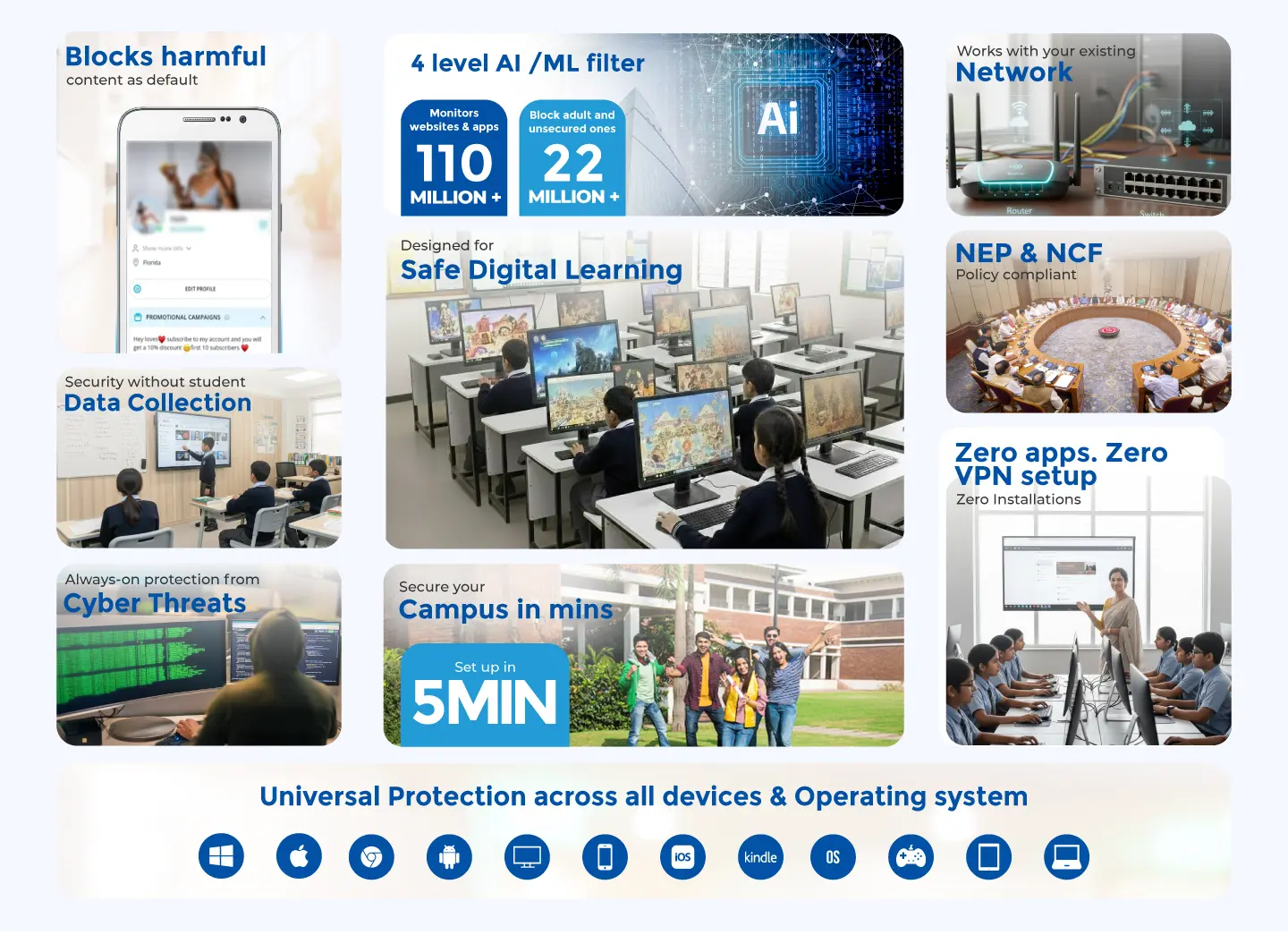
Monitors more than 110 Million websites/Apps and Blocks more than 22 Million adult, violent, gambling, self-harm, extremist, and unsafe content in real time.
-
![]()
DNS-Level Enforcement
Continuous internet monitoring & Filtering on real time and stops threats before content loads—no apps, no VPNs, no device dependency.
-
![]()
Works on All Devices
Protects Phones, tablets, laptops, desktops, smart boards, and BYOD devices on that network
-
![]()
Dual internet filtering Policy
Separate, role-based filtering policies for Students and Staff with 24×7 real-time website and app categorization — centrally managed and automatically enforced.
-
![]()
Real-Time Threat Blocking
Prevents malware, phishing, and malicious domains automatically before it reaches your campus.
-
![]()
Fast, Low-Latency Internet Access
Filtering without slowing down learning platforms or video classes.
-
![]()
Admin Dashboard & Visibility
Full control over what can be accessed online, using a structured system of 15+ content categories and intelligent sub-categories
-
![]()
Plug-and-Play Deployment
Easy integration with existing school infrastructure. No new hardware or change in existing system required. Be ready in less than 5 Mins
-
![]()
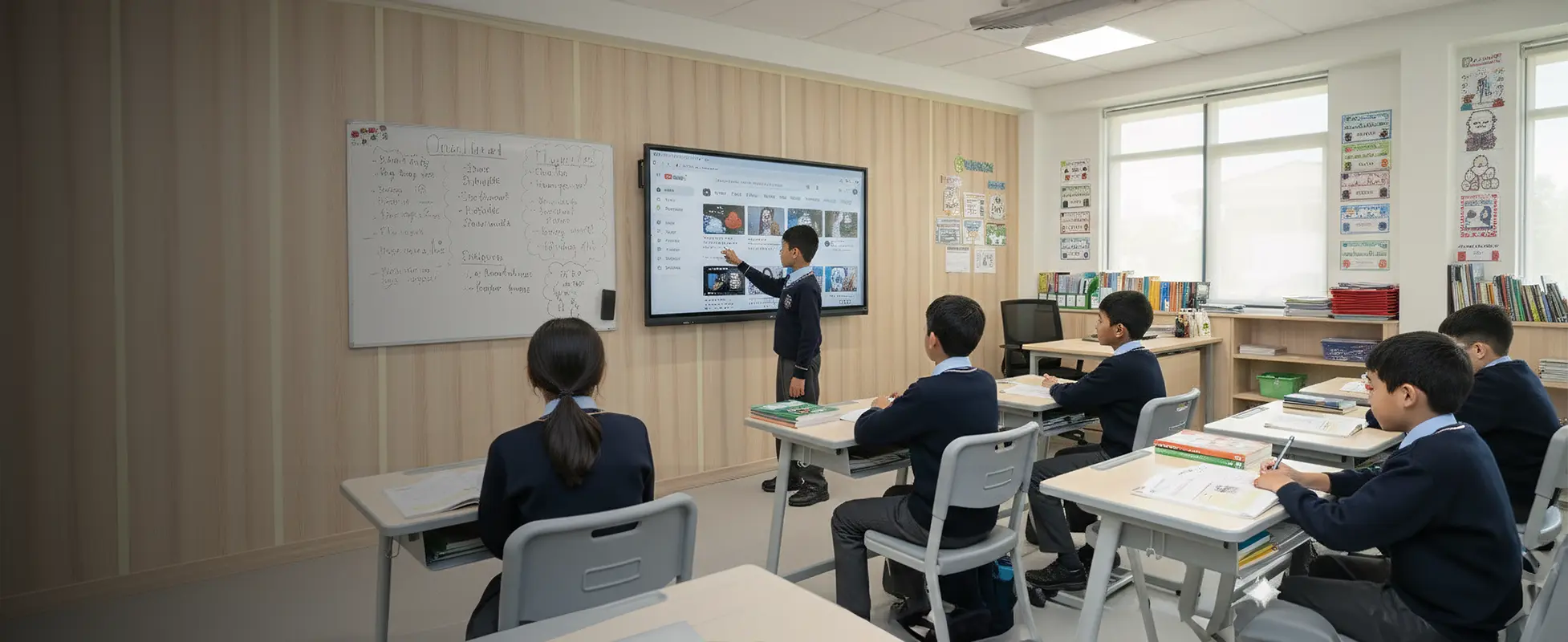
Safe search & youtube restricted ON
Google and Bing Safe Search and YouTube Restricted Always ON – ensuring access only to age-appropriate & educational content
-
![]()
Block App stores - iOS, Android , Windows
Restrict access to app stores to ensure devices are used only for learning and no unauthorized apps are downloaded on school devices.